D.R. Horton Smart Home Package: What's Included
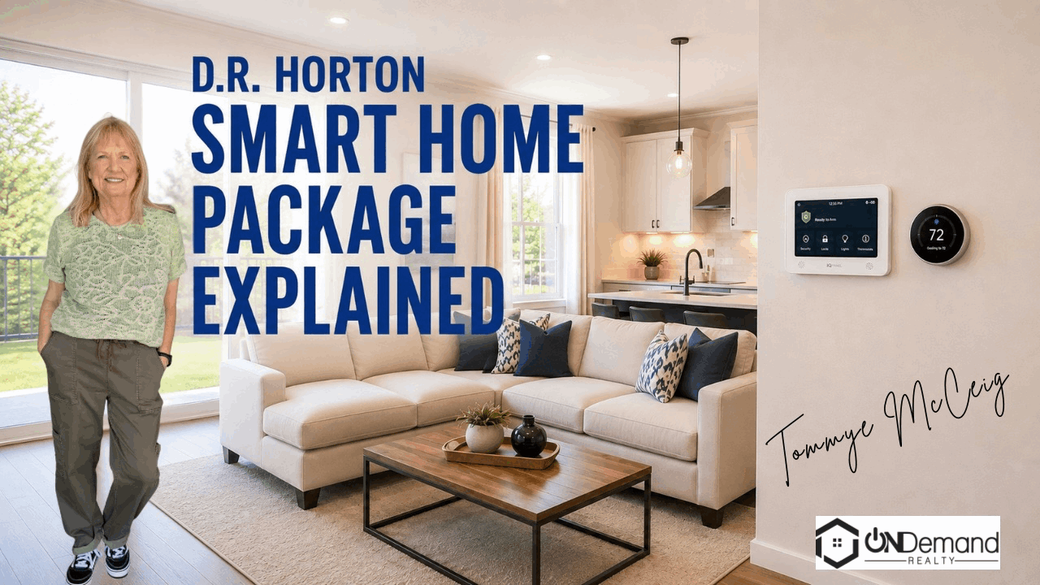
The D.R. Horton smart home package can make a new house easier to manage, but the advertised monthly fee doesn't cover every cost. Buyers still need internet service, and the builder may replace listed devices with equivalent products.
Here is what the package includes, how the devices work together, and what North Texas buyers should confirm before signing closing papers.
Table of Contents
- What Is the D.R. Horton Smart Home Package?
- What Features Are Included in the Package?
- How the Smart Home Features Work Together
- What Buyers Should Confirm Before Closing
- Questions for North Texas New Construction Buyers
- FAQ About the D.R. Horton Smart Home Package
- Conclusion
What Is the D.R. Horton Smart Home Package?
The D.R. Horton smart home package is called America's Smart Home®, also known as the Home Is Connected® system. It links several devices through a central control panel and one main app.
The control panel acts as the hub. It connects with devices through wireless communication, Wi-Fi, Z-Wave, and cellular service. Z-Wave is a wireless standard made for smart-home devices that need low-power communication.
The system also uses Alarm.com as its main automation platform. The app lets a homeowner check or control connected features from a phone, tablet, or computer. That can include checking the front door while away or changing the thermostat before returning home.
The package is generally presented as part of the home rather than as a separate gadget bundle. Research reviewed for this article found a listed cost of about $6 per month, rolled into the mortgage in some sales materials. That figure needs careful review. It doesn't include the buyer's internet bill, and service accounts may involve third parties.
D.R. Horton also states that it may substitute other products without prior notice. The replacement is described as an equivalent product, but “equivalent” doesn't always mean identical. A different lock may have a different app. A different thermostat may use different controls.
That clause deserves attention before closing. Ask the sales representative for the exact devices assigned to the home, not just the package name.
Tommye McCeig, broker associate, recommends treating connected-home features like any other construction detail. Put the promised equipment in writing. Then compare the final installed items with the sales documents during the walk-through.
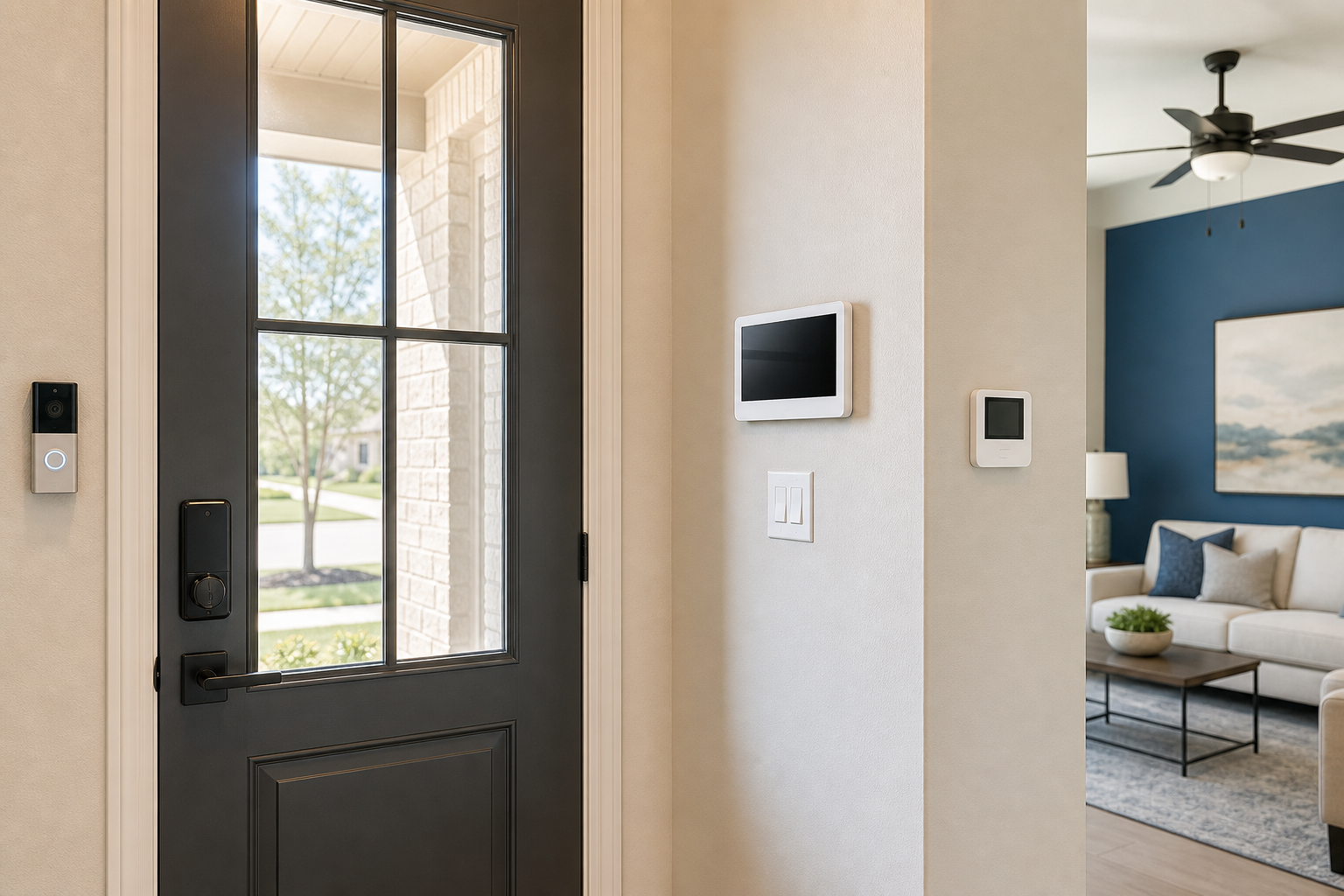
Key Takeaway: The package is a connected-home system with a hub, app, and several installed devices. Internet service and exact hardware substitutions remain the buyer's responsibility to verify.
What Features Are Included in the Package?
The D.R. Horton smart home package centers on five listed devices. The exact make or model may vary, so the purchase documents matter more than a model-home display.
| Included feature | What it does | Question to confirm |
|---|---|---|
| Smart home control panel | Acts as the main hub for connected devices. | Which panel model will be installed? |
| Video doorbell | Shows who is at the door and supports two-way communication. | Is the doorbell included at the final address? |
| Smart thermostat | Controls heating and cooling from the thermostat, panel, voice command, or phone. | Which thermostat brand and model are planned? |
| Smart door lock | Allows key-code entry and remote lock or unlock control. | What happens if the internet connection fails? |
| Smart light switch | Controls a connected light from a phone or voice command. | Which switch and light does it control? |
The control panel is the piece that ties the system together. It can communicate with supported devices through more than one wireless path. The system's listed connections include Wi-Fi, Z-Wave, and cellular capability.
The thermostat can be adjusted before someone gets home. That is useful when a buyer wants to change the indoor setting without walking to the wall control. The smart lock can accept a key code or a command from a compatible device.
The video doorbell adds a live view at the entry. It can let a homeowner see, hear, and speak with a visitor through the system. Buyers should ask about video storage, account setup, and any service plan tied to that feature. The available research does not confirm that every account or storage option is included at no extra cost.
The light switch is a smaller feature, but it may be the one buyers use most often. A person can turn the connected light on from a phone or by voice. The package description does not establish that every light in the home becomes smart.
That distinction is easy to miss in a model home. A single smart switch is different from whole-home lighting control. Write down which fixture is connected.
The system's support for Z-Wave and other connection types may help owners add compatible devices later. Still, compatibility is not the same as guaranteed support. Check the device list before buying extra hardware.
How the Smart Home Features Work Together
The D.R. Horton smart home package works through a chain. The installed device sends information or receives a command. The hub and software pass that command along. The internet connection lets the homeowner manage the system while away.
Imagine leaving for work. A homeowner can check the door lock through the app. If a visitor arrives, the video doorbell can show the entry area and support a two-way conversation. The thermostat can be changed without returning home.
The system also supports control from more than one place. A homeowner may use:
- The wall-mounted control panel.
- The smartphone app.
- A computer or tablet.
- Voice control for supported functions.
- The device itself, such as the thermostat.
The package supports several integration paths. Research materials list Z-Wave, Alarm.com, SmartThings, Abode, and Hubitat. That range may appeal to a buyer who already owns compatible smart-home equipment.
But the automation scope is fairly modest. The clearly listed functions cover remote keyless entry, video at the door, phone-based climate control, and phone-based lighting control. The research does not confirm advanced routines, custom scenes, or broad whole-home automation for every property.
Some official system descriptions mention scheduled scenes and voice-based control. Availability can depend on the installed hardware, account setup, location, and service plan. Buyers should ask the builder to demonstrate each promised function at the home.
Home internet remains a key dependency. If the internet is down, remote app control may not work. A local key code or manual thermostat control may still function, but the buyer should confirm that point for the installed equipment.
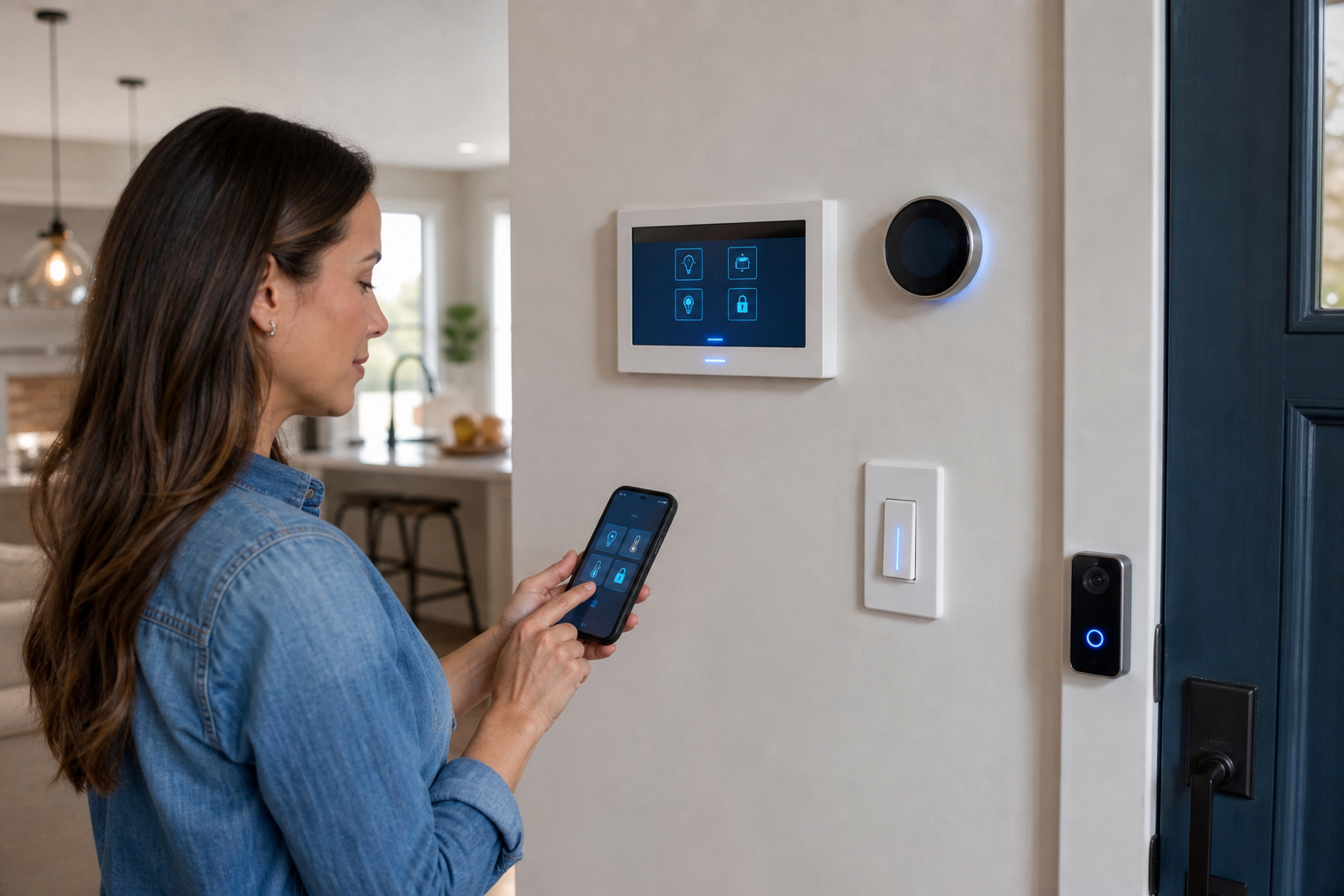
Pro Tip: During the walk-through, test the lock, thermostat, doorbell, and light switch from both the wall controls and the app. Ask what still works during an internet outage.
What Buyers Should Confirm Before Closing
Before closing on a home with this package, buyers should treat the smart-home equipment as an installed feature that needs inspection. A working display in a model home does not prove that the same hardware is in the completed property.
Start with the contract and addenda. Look for the package name, included devices, account terms, and substitution language. Ask the sales representative to identify any item that changed after the original specification.
Then confirm the following points:
- The exact control panel model.
- The video doorbell location and account setup.
- The thermostat brand and control method.
- The door lock type and key-code process.
- The light switch connected to the system.
- The buyer's internet requirement.
- Any monthly fee included in the loan payment.
- Any third-party account or service charge.
- What happens when a listed device is substituted.
D.R. Horton states that other smart-home technology may cost extra. It also places responsibility for internet service on the homeowner. That means the monthly package charge should not be treated as the complete cost of operating the system.
Security claims deserve a careful reading, too. The builder's stated terms do not promise that the technology will meet every homeowner's needs or provide a specific level of physical or cyber security. A smart lock is still a lock. A video doorbell is not a substitute for reviewing the home's full security plan.
Tommye McCeig can help a buyer add these questions to the new-construction review. As a broker associate, Tommye focuses on the property, the documents, and the buyer's stated needs without treating a technology package as a reason to skip inspection.
Questions for North Texas New Construction Buyers
North Texas buyers often compare new homes in areas such as Plano, Carrollton, Dallas, The Colony, and Celina. The smart-home package should be one line in that comparison, not the whole decision.
Ask whether the package is included in the base price for the specific community and floor plan. Builder programs can differ by location. A feature shown in one sales office may not apply to another property.
Ask when the devices will be installed. Some equipment may not be in place during an early construction visit. The final walk-through is the right time to check the completed system.
Ask who creates the app account. Buyers should know whether the builder starts the account or whether the homeowner must complete setup after closing. The handoff should include passwords, reset instructions, warranty information, and any required service terms.
Ask about internet service before moving day. A buyer may need to schedule an installation so the app and remote functions work after possession. The internet bill is separate from the package charge.
Relocation buyers should also ask how the system works during a move. If a prior owner or builder account remains connected, the account should be transferred or reset. This is a small detail that can prevent access problems later.
Healthcare workers who qualify for the HomeFront program can review HomeFront Rewards for doctors and physicians with Tommye McCeig. The program information says eligible healthcare workers may qualify for a closing benefit, subject to its terms. It is separate from the builder's technology package.
If a buyer is comparing a new build with an existing home, the same questions still help. An existing home may have different devices, older accounts, or no connected features at all. Compare the total cost and the condition of the property, not only the app on the phone.
FAQ About the D.R. Horton Smart Home Package
What comes with the D.R. Horton smart home package?
The package lists a control panel, video doorbell, smart thermostat, smart door lock, and smart light switch. The exact brands or models may change because D.R. Horton reserves the right to substitute equivalent products. The purchase documents should identify what the specific home will receive.
How much does the D.R. Horton smart home package cost?
Research materials reviewed for this article describe the package at about $6 per month in some sales materials. That amount may be rolled into the mortgage, but buyers must confirm the terms for their home. Internet service, third-party accounts, and optional features may cost extra.
Does the package include internet service?
No, buyers must obtain and pay for their own home internet service. The connected features depend on that service for remote access and app control. Ask the builder which functions work locally during an internet outage, then budget for internet separately from any monthly smart-home charge.
Can D.R. Horton change the smart home devices?
Yes, D.R. Horton states that it may substitute other products without prior notice. The replacement is described as equivalent, but the model and user controls may differ. Ask for the installed equipment list before closing, and test each device during the final walk-through.
Can the system work with other smart home devices?
It may work with compatible devices across platforms such as Z-Wave, SmartThings, Abode, and Hubitat. Compatibility depends on the device, software, account, and installed hardware. Buyers should check compatibility before purchasing add-ons. The package does not guarantee support for every smart-home product.
Conclusion
The D.R. Horton smart home package can add useful controls for the entry, climate system, lighting, and front door. The right next step is simple: ask for the exact device list, confirm all fees and internet needs, then test the system before closing. Tommye McCeig, broker associate, can help buyers keep those details in the larger North Texas home-buying review.
Categories
Recent Posts